What Is Generative AI? How It Works, Examples and Limitations
Learn what generative AI is, how it creates text and images, where it is used, how it differs from traditional software, and how to evaluate its output.
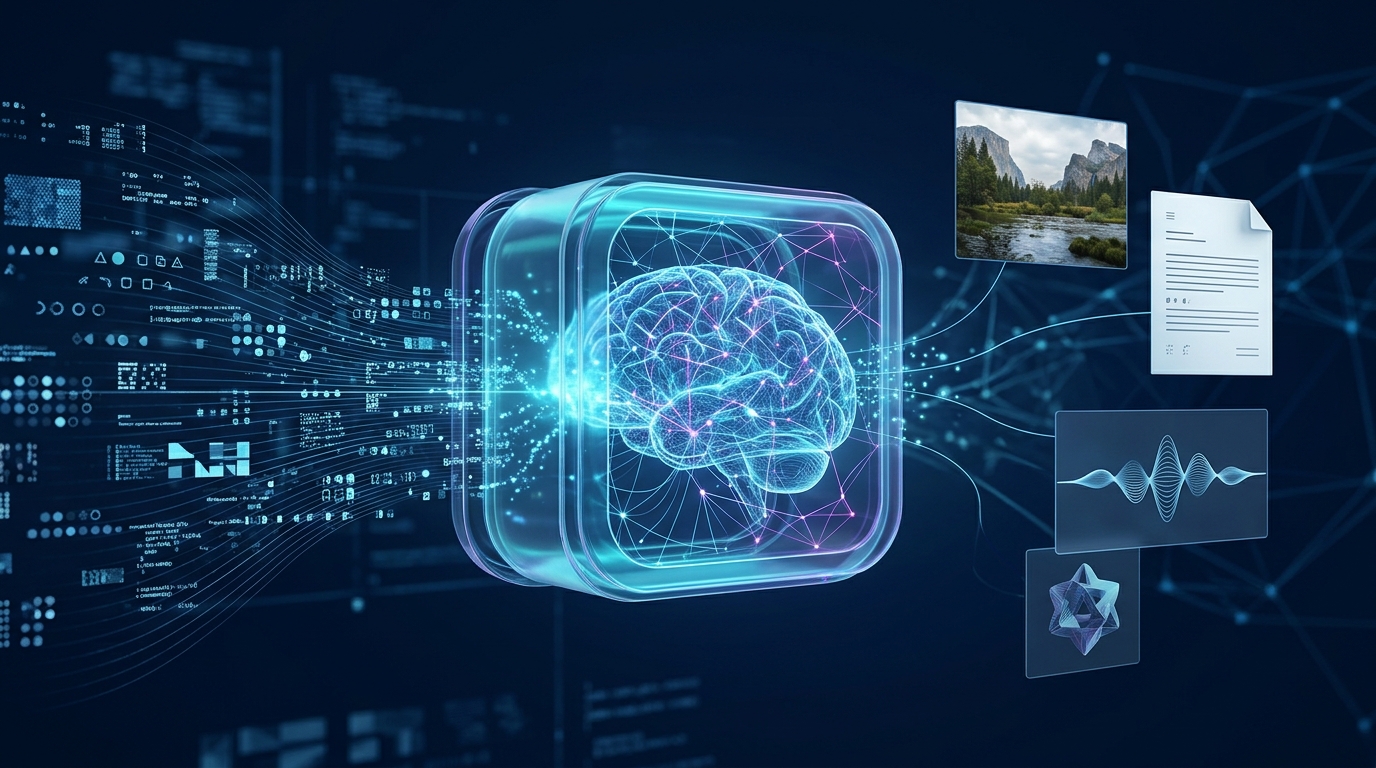
Generative artificial intelligence, often shortened to generative AI or GenAI, is a category of AI technology that can produce new content in response to instructions or other inputs. Depending on the system, that content may include text, images, audio, video, computer code or combinations of these formats.
You may encounter generative AI in a chatbot that explains a difficult topic, an application that creates an illustration from a description, or a coding assistant that suggests a function. These tools can be useful, but their outputs are not automatically correct, original in every relevant sense, or suitable for every situation.
This beginner-friendly guide explains what generative AI does, how it works at a high level, where it can help, what its limitations are and how to use it responsibly.
What Does Generative AI Actually Do?
Generative AI systems learn patterns from training data and use those learned patterns to produce outputs. A text-based model, for example, generates a response based on the input and the patterns represented in its training and model design.
The result may look like a human-written explanation, a realistic image or a piece of working code. However, the system’s ability to produce convincing content does not mean that it understands every detail in the same way a person does.
The term covers several types of systems, and their capabilities differ. A model designed to generate images does not necessarily perform the same tasks as a model designed to answer questions or produce audio.
How Is Generative AI Different From Traditional Software?
Traditional software often follows rules and instructions written by developers. For example, a calculator applies defined mathematical operations to the numbers you enter.
Generative AI models instead learn statistical patterns from training data and use them to generate an output. Their responses can vary even when prompts are similar.
Consider a simple comparison:
| Traditional software | Generative AI |
|---|---|
| Often follows explicit rules for a defined task | Generates outputs using patterns learned during training and other model mechanisms |
| A calculator returns a result for a specified operation | A chatbot can explain a mathematical concept in different ways |
| A conventional template produces a predefined layout | A generative system may draft different versions of a paragraph |
| Behaviour may be predictable for clearly defined inputs | Responses can vary and may contain errors |
This is a simplified comparison. Many modern products combine AI models with ordinary software, databases, search systems and other tools. Not every conventional application is rule-based in the same way, and not every AI system is generative.
How Does Generative AI Work?
The exact process depends on the type of model, but a simplified explanation has four parts.
1. Training data
During development, a model is trained using data appropriate to its design. The training process helps it learn patterns and relationships in that data.
The sources, quality and permitted uses of training data vary between systems. It is not accurate to assume that every model was trained on the same information or has access to every website and document.
2. Learning patterns
A model’s training process adjusts its internal parameters to improve performance on its training objective. For a language model, this can involve learning patterns in how words, phrases and other tokens appear in context.
These learned patterns help the model produce plausible responses, but they do not guarantee factual accuracy.
3. A prompt or other input
A user supplies an instruction, question, image, audio clip or other supported input. The model processes that input according to its design and the context available to it.
For example, the prompt “Explain cloud computing to a beginner using a familiar analogy” provides more direction than simply asking “What is cloud?”
4. Generated output
The system produces content based on its model, input and configuration. The user may then refine the request, ask follow-up questions or provide corrections.
This is why clear instructions and iterative refinement can improve usefulness. However, a better prompt cannot guarantee a correct answer.
Common Types of Generative AI
Text generation
Text-generating systems can draft explanations, summarise documents, suggest outlines, brainstorm ideas and help rewrite sentences. Their usefulness depends on the task, input quality and verification.
Image generation
Image-generating systems can create visual content from text descriptions or other supported inputs. The result may be useful for illustration, concept development or design exploration, but rights, licensing, accuracy and platform rules should be considered before using an image commercially.
Audio and speech generation
Some systems generate speech, music or other audio. Others can transcribe speech or transform audio. These capabilities raise additional concerns around consent, impersonation and misleading synthetic recordings.
Video generation
Video-generation systems can create or modify moving images from prompts and other inputs. Quality, duration, consistency and available controls differ by product.
Code generation
Coding assistants can suggest code, explain errors and draft tests. Generated code can still contain security vulnerabilities, incorrect assumptions or logic errors, so it should be reviewed and tested before use.
Where Is Generative AI Used?
Generative AI is used across many activities. Common examples include:
- Education: Explaining concepts, creating practice questions and helping organise revision.
- Writing: Drafting outlines, improving clarity and brainstorming alternatives.
- Software development: Suggesting code, explaining error messages and generating test ideas.
- Design: Exploring visual concepts and producing draft illustrations.
- Business operations: Drafting routine communications, summarising information and supporting idea generation.
- Research support: Helping organise questions and summarise supplied material, subject to careful source verification.
These are possible uses, not guarantees that every tool can perform them reliably. Sensitive or consequential tasks require appropriate human review.
For a practical example, see our guide to using AI for studying.
What Are the Main Limitations of Generative AI?
It can produce false information
Generative AI may give an incorrect answer in fluent, confident language. It can also invent references, misstate a statistic or omit an important qualification. The US National Institute of Standards and Technology discusses these risks in its Generative AI Profile.
Check important claims against reliable sources rather than judging them by how convincing they sound.
It may reflect bias
Models can reproduce or amplify biases present in training data, evaluation methods or system design. Their outputs may not represent every culture, community or perspective fairly.
It may lack current or complete information
A model’s training data and access to external information depend on the system. Some tools can search current sources; others may not. Even a system with browsing capabilities can misunderstand or misrepresent what it finds.
For current policies, prices, deadlines or technical instructions, check an authoritative source directly.
It may misunderstand the task
Ambiguous prompts, missing context and complex requirements can lead to irrelevant or incomplete responses. Supplying relevant details and refining the request can help, but the result still needs review.
It raises privacy and intellectual-property questions
The treatment of submitted prompts and files differs between services. Copyright, consent and ownership questions can also arise when creating or using generated content.
Read the applicable service terms, respect other people’s rights and avoid submitting confidential material without permission.
How to Use Generative AI Responsibly
For help evaluating tools for schoolwork, see our practical guide to choosing AI tools for studying.
You do not need advanced technical knowledge to begin using these systems carefully. Follow a few practical principles.
- Start with a clear task. State what you need and provide the context required to answer it.
- Limit sensitive information. Do not include passwords, private records or confidential data unnecessarily.
- Check important claims. Use textbooks, official documentation, original research or other appropriate sources.
- Test generated work. Run code safely, check calculations and compare summaries with their original documents.
- Respect relevant rules. Follow school, workplace and platform policies, including disclosure requirements.
- Use human judgement. Do not let generated content make consequential decisions without appropriate review.
UNESCO’s guidance on generative AI in education and research emphasises human-centred and age-appropriate use, data privacy and educational suitability.
A Beginner-Friendly Example
Imagine that you are learning the difference between a database and a spreadsheet.
A useful prompt might be:
I am a beginner studying information technology. Explain the difference between a database and a spreadsheet using a small example from a student registration system. List two advantages and two limitations of each. Then ask me three questions to test my understanding without showing the answers first.
After receiving the explanation, compare it with your course materials. Answer the questions without looking at the response, then ask for feedback on your reasoning.
This approach uses AI to support learning rather than treating its first response as the final authority. You can use the same method for networking, programming, office software and many other subjects.
Frequently Asked Questions
Is generative AI the same as artificial intelligence?
No. Artificial intelligence is the broader field. Generative AI is a category of AI systems designed to generate content. Other AI systems may focus on classification, prediction, recommendation or control instead.
Does generative AI think like a human?
A system can produce language that resembles human reasoning, but that alone does not establish that it thinks or understands in the same way a person does. Its capabilities and limitations depend on its design, training and use.
Can generative AI make mistakes?
Yes. It can generate false claims, misleading explanations, invented citations or incomplete answers. Verify information that matters, especially for important decisions.
Is generative AI free to use?
Some services offer free access, while others require payment or limit certain features. Pricing and access rules change, so check the current terms of the service you intend to use.
Can beginners use generative AI?
Yes. Beginners can start with small tasks such as asking for a plain-language explanation or generating practice questions. They should still check answers and avoid sharing sensitive information.
Will generative AI replace every job?
No reliable conclusion can be drawn that every job will be replaced. AI may automate or change some tasks while creating demand for other skills. The impact varies by occupation, organisation, technology and how people choose to use it.
Conclusion
Generative AI can produce useful text, images, audio, video and code by learning patterns from training data and responding to inputs. It can support learning and creative work, but it can also make mistakes, reflect bias and raise privacy or rights concerns.
The most important beginner skill is not simply learning which prompt to type. It is learning how to evaluate the result, verify important information and decide when human expertise is needed.
Start with a small, clearly defined task, review the output carefully and keep reliable sources as your reference for important facts.
Sources and Further Reading
- NIST: Artificial Intelligence Risk Management Framework — Generative AI Profile
- UNESCO: Guidance for generative AI in education and research
- OpenAI: How to create a good prompt for an AI model
Editorial note: Generative AI capabilities and service policies change over time. Check current documentation for product-specific details.