PM Youth Chromebook Scheme 2026: Eligibility, How to Apply and Required Documents
Learn about Pakistan's PM Youth Chromebook Scheme 2026, who can qualify, how to check your student record, which documents are required, and where to apply.
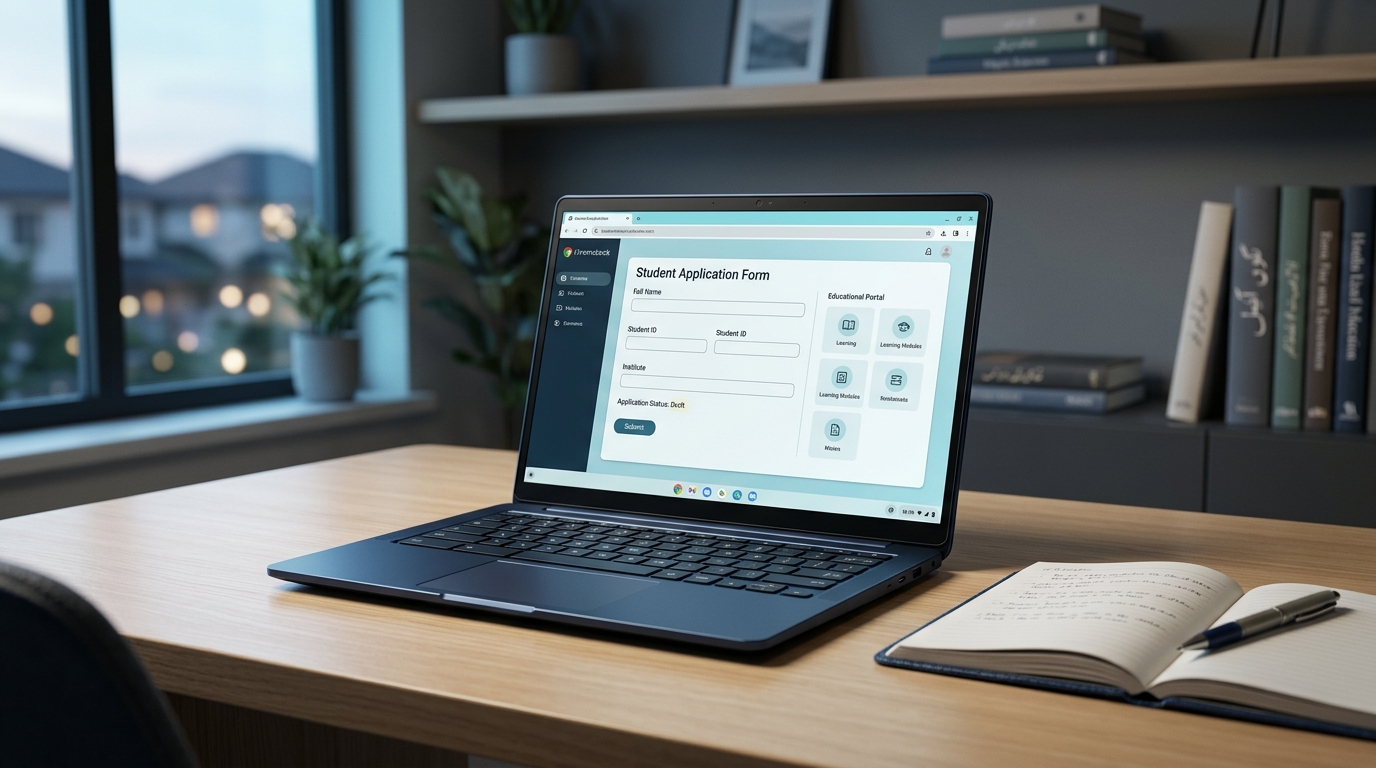
The Prime Minister’s Youth Chromebook Scheme 2026 is a government initiative intended to help talented students across Pakistan access digital learning resources. The programme aims to distribute 500,000 Chromebooks, alongside internet connectivity, to eligible students.
Since the announcement, students and parents have been looking for information about eligibility, registration, required documents and the official application website.
This guide explains how to check your record, understand the currently published eligibility criteria and prepare your application. Always confirm your details on the official portal because requirements and registration schedules can vary by education board.
What Is the PM Youth Chromebook Scheme?
The Prime Minister’s Youth Chromebook Scheme is an initiative designed to expand access to educational technology. According to official announcements, the government plans to distribute 500,000 Chromebooks to students over a two-year period.
Chromebooks are laptops that run Google’s ChromeOS operating system. They are designed primarily for web-based activities, making them useful for online classes, research, document preparation and accessing digital learning resources.
The initiative also includes MiFi internet connectivity and bags, according to the government’s launch announcement.
The scheme’s stated purpose is to give deserving and high-performing students better opportunities to learn and develop their digital skills.
Who Is Eligible for the Chromebook Scheme?
Eligibility depends on the education board and the criteria published for the student’s region.
According to the official application portal, the currently published criteria are:
- Punjab, Sindh, Khyber Pakhtunkhwa and Balochistan: Top-performing Grade 9 students, also known as SSC-I students, from government or public schools, based on the 2026 annual examinations.
- Islamabad Capital Territory, Azad Jammu and Kashmir, and Gilgit-Baltistan: Top-performing students from Grade 9 (SSC-I) and Grade 10 (SSC-II), based on the 2026 annual examinations.
- Academic performance: Selection is based on students’ examination records and merit under the scheme’s applicable criteria.
The official portal currently specifies government or public school students. Some news reports have described additional groups, so students should check the official portal and their relevant education board rather than assume that every school type is eligible.
Meeting a general eligibility condition does not automatically guarantee that a student will receive a Chromebook. Final selection depends on the scheme’s verification and allocation process.
How to Apply for the PM Chromebook Scheme
Students should begin through the official application portal:
PM Youth Chromebook Scheme — Official Portal
Follow these steps.
Step 1: Open the Official Website
Visit the official portal managed through the Inter Boards Coordination Commission (IBCC).
Use the official website to check your record and follow the application instructions. Avoid unofficial websites that ask for personal information while claiming to provide guaranteed approval.
Step 2: Select Your Education Board
Choose the education board under which you appeared in your examination.
Make sure you select the correct board. The portal uses student records supplied by the relevant education boards to identify applicants.
Step 3: Enter Your Student Details
Enter the identification details requested by the portal, along with your date of birth.
If your record cannot be found using your CNIC or B-Form number, the portal advises trying your roll number or registration number instead.
Enter information carefully and make sure it matches your official records.
Step 4: Find and Review Your Record
Use the portal’s record-search option to check whether your details are available.
If a record appears, review your name, school and examination information carefully before proceeding.
If your information is incorrect or your record remains unavailable, contact your relevant education board for assistance.
Step 5: Prepare and Upload Your Documents
Once your record is available, follow the portal’s instructions to provide the required documents.
Check every file before uploading it. Images and scans should be clear, readable and within the portal’s stated file-size limits.
Step 6: Review and Submit Your Application
Review all entered information and uploaded documents before final submission.
The official portal warns that applicants cannot change their submitted information themselves. It also specifies one application per student.
After submission, save your application reference number and download the application slip provided by the system.
Documents Required for the Application
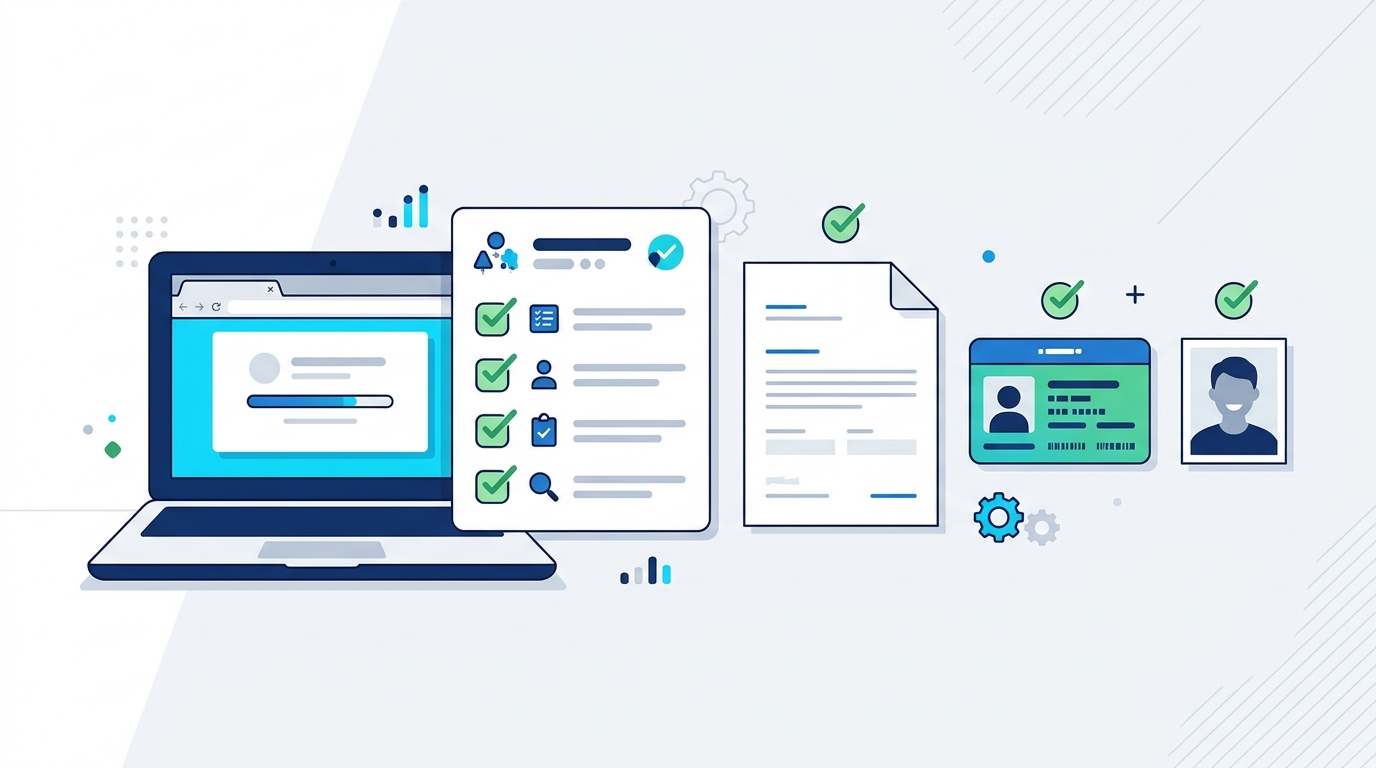
Prepare your documents before starting the application, and confirm the current requirements on the official portal.
The official portal lists the following documents for applicants:
- A recent colour photograph with a plain background.
- The relevant SSC-I (Grade 9) or SSC-II (Grade 10) mark sheet.
- An attested copy of the student’s B-Form or CNIC.
- An attested copy of the father’s or guardian’s CNIC.
The portal specifies JPG or PNG format for the photograph, with a maximum size of 300 KB. The mark sheet and identification documents can be uploaded in JPG, PNG or PDF format, also with a maximum size of 300 KB per file.
Prepare clear digital copies before starting the application. If a document is blurry, incomplete or exceeds the size limit, correct it before uploading.
Follow the current instructions displayed on the official portal in case its requirements change.
What If Your Record Is Not Found?
A missing record does not necessarily mean that you are permanently ineligible.
First, check that you selected the correct education board and entered your details accurately. If searching by CNIC or B-Form number does not work, try your examination roll number or registration number.
If the portal still cannot locate your information, contact your education board. The portal relies on records supplied by the boards, so a missing or mismatched record may require their assistance.
Do not submit multiple applications in an attempt to solve a record problem. The official portal specifies one application per student.
Is Registration Open for Sindh Students?
The official portal currently displays a notice stating that registration for Sindh students will open on the same portal after all examination boards in Sindh announce their annual Grade 9 results for 2026.
This means students should not assume that the absence of a currently available Sindh registration option indicates permanent exclusion from the scheme.
Sindh students should monitor the official portal and their respective education boards for updates about registration.
Is There an Application Deadline?
Students should check the official portal and announcements from their relevant education board for the latest registration schedule.
Do not rely on an unverified social media post or an old news article for a deadline. Registration timing may depend on the availability of examination results and the applicable board’s schedule.
If a deadline is announced, make sure you understand whether it applies to your own board and category.
How Will Students Be Selected?
The programme is described as merit-based. Student examination records are checked as part of the verification process, and allocation depends on the scheme’s applicable regional and academic criteria.
Students should make sure that their examination and identification details are accurate. Submitting an application does not by itself guarantee selection or delivery of a device.
For questions about missing records, selection or application problems, consult the official portal and the relevant education board for guidance.
What Can Students Do With a Chromebook?

Chromebooks can support online learning, research and digital skills.
A Chromebook can support many everyday educational activities, including:
- Attending online classes and accessing learning platforms.
- Researching topics and reading digital educational resources.
- Writing assignments and preparing presentations.
- Practising digital skills and learning introductory programming through suitable web-based tools.
- Organising notes, documents and study materials.
Many Chromebook activities rely on an internet connection, although some applications also offer limited offline functionality. Students should check the requirements of the applications they plan to use.
The educational value of a device depends on how it is used. Regular study, reliable learning resources and responsible internet use remain important.
Frequently Asked Questions
Is the PM Youth Chromebook Scheme free?
The initiative is described as a government Chromebook distribution scheme for selected students. Check the official programme instructions for the applicable conditions and avoid anyone demanding unofficial payments in exchange for guaranteed selection.
Can every Grade 9 student receive a Chromebook?
No. The scheme is merit-based and subject to the applicable eligibility criteria, record verification and allocation process. Being in Grade 9 alone does not guarantee selection.
Can private school students apply?
The official portal currently specifies government or public school students. Because some news reports describe the programme differently, check the latest official eligibility instructions before applying.
What should I do if my student record is missing?
Try searching with your roll number or registration number if the CNIC or B-Form search fails. If your record still does not appear, contact your relevant education board.
Where is the official application website?
The official portal is pmychromebooks.ibcc.edu.pk. Use this website for the current eligibility information, record search and application instructions.
Does submitting an application guarantee a Chromebook?
No. Applicants must meet the applicable criteria, and selection and distribution depend on verification and the scheme’s allocation process.
Official Sources and Further Reading
Use these sources to verify the latest information:
- Official PM Youth Chromebook Scheme portal — IBCC
- How to Apply for PM Youth Chromebook Scheme in Pakistan — ProPakistani
- Official announcement from Radio Pakistan
Final Words
The PM Youth Chromebook Scheme may provide eligible students with additional access to digital learning tools. The most important first step is to check your student record through the official portal and read the eligibility requirements applicable to your education board.
Prepare your documents carefully, review your information before submission and follow official announcements for registration updates. Avoid unofficial claims that promise guaranteed approval.
Editorial note: This guide reflects information available on 27 October 2026. Eligibility, registration schedules and other programme details may change. Verify current instructions through the official portal before taking action.